All features

Who owes you, and who you owe, in one book.

Write down what you gave and what you got. See who is late, remind them on WhatsApp and let them pay by UPI.

You gave. You got. That is all you write.

Every entry is one thing given or got, in goods or money. The balance works itself out.

  • Cash, UPI or bank for money
  • Goods on credit, or goods returned
  • A date, a pay-by date and a note
  • An opening balance for old dues
  • Remove a wrong entry with a reason
One khata for each person.

Customers and suppliers each get a running balance. A phone number already on the khata opens that khata, so nobody is added twice.

  • Owes you, you owe, or settled
  • A credit limit for each customer
  • Days to pay for each person
  • Search by name or phone
  • Close a settled khata, reopen it later

See who is late, and by how long.

Each payment clears the oldest dues first. What is left is sorted by how late it is, with a reminder button beside each name.

  • Not due, then 1-30, 31-60, 61-90, over 90 days
  • Customers late to pay, oldest first
  • Suppliers you are late paying
  • Customers over their limit are flagged
  • A count beside Khata in the sidebar

Reminders go out, so you need not ask.

Send one by hand, or switch on automatic reminders for as long as someone is late. Each carries their statement link.

  • On WhatsApp or email
  • Every few days, as you choose
  • Off for any one person
  • Never twice in twelve hours
  • Automatic reminders stay off until you say

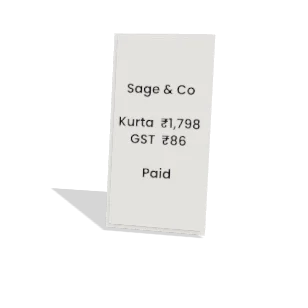
A statement with a UPI button.

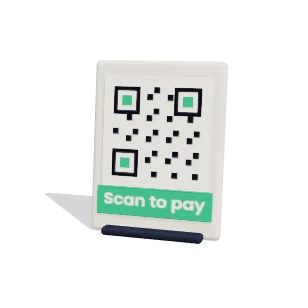
Each person gets a statement with every entry and the running balance. Add your UPI ID, and it shows a button and QR code for exactly what is owed.

  • A link that needs no sign-in
  • The link works for 30 days
  • Download it as a PDF
  • Any UPI app can pay
  • Copy the link and send it your way

Put an unpaid order on the khata.

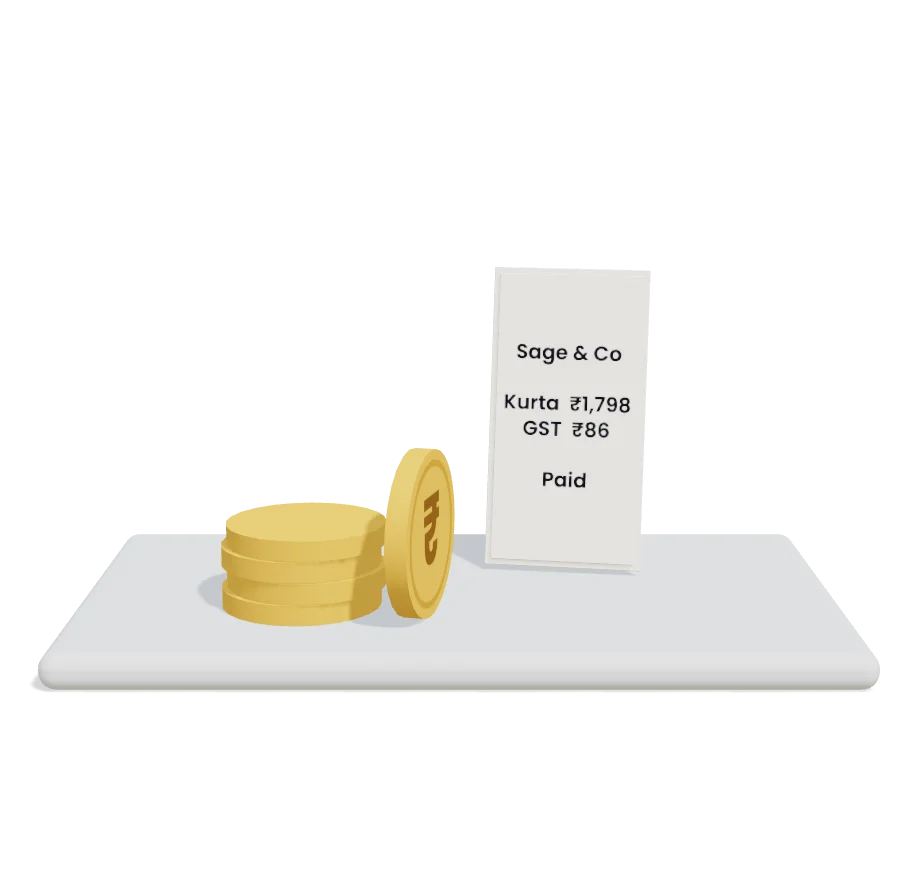
Paying later? Add what is due on the order to the customer's khata. Money you get against it marks the order paid too.

  • Goes on once for each order
  • New customers are added from the order
  • Cash on delivery stays off the khata
  • From the order, or through the assistant

Already in your books.

With Accounts on, every entry goes into your books. If your books live in another system, turn that off in Settings.

  • Customer dues as receivables
  • Supplier dues as payables
  • UPI lands in the bank, cash in cash
  • A removed entry reverses in the books
  • Dues by how late, in Reports

And the small things that matter.

  • A discount for paying early

    Give so much off when someone pays within your days.

  • Which account

    Say which bank account or cash box the money moved through.

  • Party ledger

    A report with one person's entries, in Reports.

  • Ask the assistant

    Say Riya paid 500 by UPI, and confirm it.

  • Workflows

    Open a task when someone passes their credit limit.

  • On your app's Home

    Customers late to pay show up on Home.

  • Who can do what

    Choose who can view, record, remind or change settings.

Common questions

Does Commstate collect the money?

No. The UPI button pays your own UPI ID. UPI does not report back to us, so you record the payment as got when it arrives.

Do I need the books to use the khata?

No. The khata works by itself. If you turn Accounts on later, you do not enter anything twice.

Can I change an entry?

An entry is never edited. Remove the wrong one with a reason, and record it again. The removed entry stays in the list.

Does it sync with Tally or Vyapar?

Not today. If your books live in another system, you can keep khata entries out of Commstate's books in Settings.

Try it on your next order.

Connect your store and let one order run through. 14 days free, no card.